
Solar Inverter & Lithium Battery Compatibility in Pakistan
You have picked an inverter. Now someone offers you a “5kW lithium battery” at a good price. Will it run your load when the electricity goes out?
The price cannot answer that. Neither can the brand name on the box.
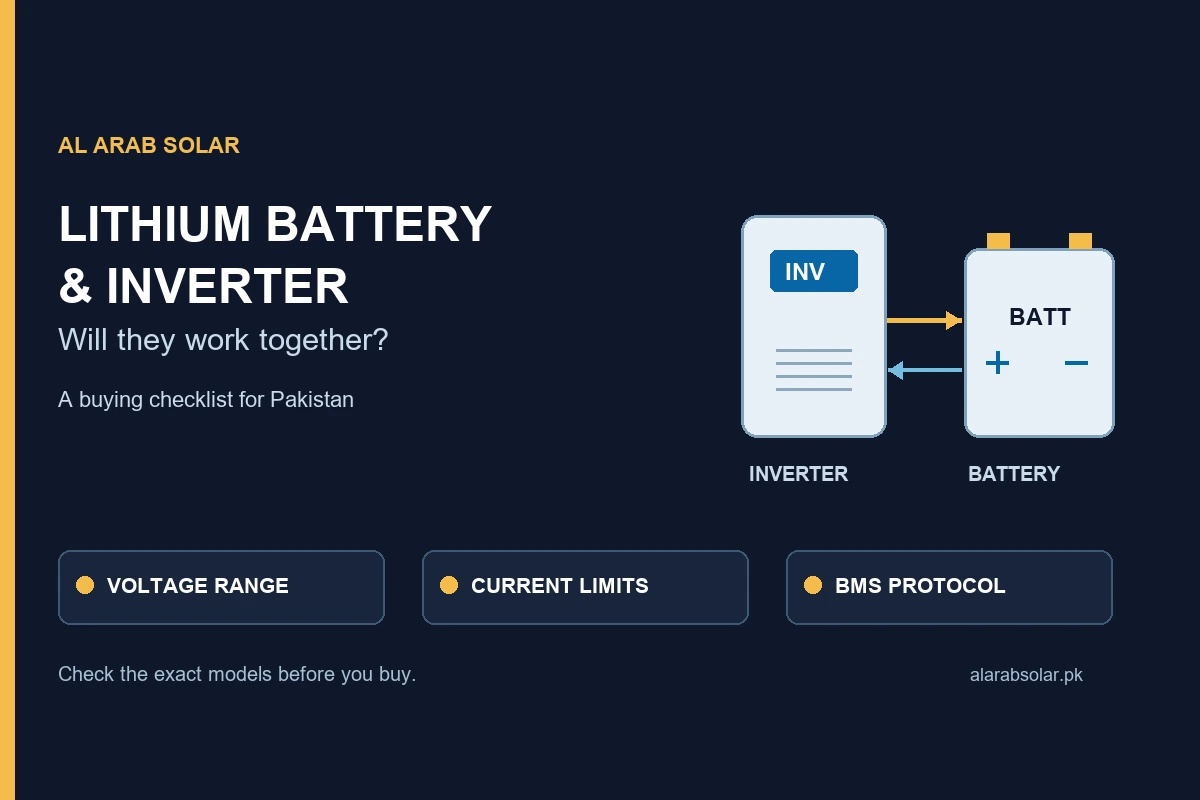
Before you pay, check the battery voltage, the power it can deliver continuously and how its battery management system works with your exact inverter. Those three checks can change the battery you buy—and the backup you actually get.
How do you check lithium battery and inverter compatibility?
Confirm the inverter’s battery-voltage range, the battery’s charge and discharge limits, its supported charging settings, and any required BMS protocol, cable and firmware. Then check usable energy against your load and backup hours. A matching voltage or CAN/RS485 socket alone does not approve a pairing.
1. Start with your inverter’s battery voltage
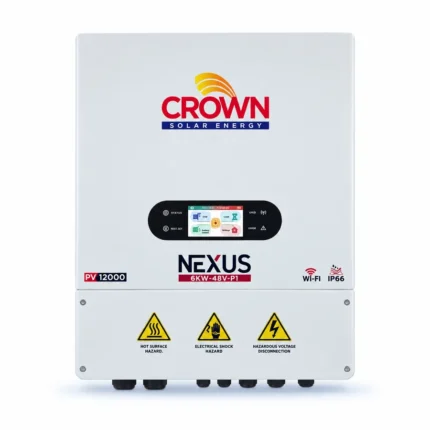
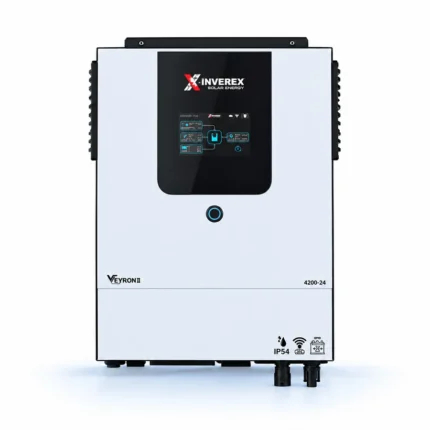
Read the full model number on the inverter label. “Crown 6kW” or “Inverex Veyron” is not enough: a different size, generation or variant can use a different battery platform.
These are the common nominal-voltage labels you will see when comparing LiFePO4 batteries:
| Inverter battery platform | LiFePO4 label often used | What still needs checking |
|---|---|---|
| 12V class | 12.8V nominal | Accepted operating range, charging profile and continuous battery current. |
| 24V class | 25.6V nominal | Exact model support and battery power at your intended load. |
| 48V class | Often 51.2V nominal; some packs use a different cell configuration | Both devices’ full operating ranges and the supported BMS configuration. |
| High-voltage battery input | Model-specific battery stack | The approved battery system. A 48V-class pack is not a substitute. |
A 51.2V label is not automatically a mismatch for a 48V-class inverter. Equally, it is not automatic approval. Compare the operating and charging ranges in both documents.
For example, the official Crown Nexus 6kW/8kW single-phase datasheet identifies a 48V battery platform and lithium or lead-acid support. That establishes the platform; it does not certify every 51.2V battery or communication profile.
2. Separate battery energy from battery power
kWh tells you how much energy is stored. kW tells you how quickly energy is being delivered. A 5.12kWh battery is not a promise that it can supply a 5kW appliance load.
The battery’s continuous discharge limit matters alongside the inverter’s output. A larger inverter cannot make a smaller battery deliver more current than its BMS permits.
For an initial load check:
Estimated battery current (A) = appliance power (W) ÷ [battery voltage (V) × inverter efficiency]
At an assumed 51.2V and 90% conversion efficiency, a 2,000W load needs about 43.4A. A 5,000W load needs about 108.5A, before separately allowing for inverter idle consumption. As battery voltage falls, the current needed for the same load rises.
These are planning calculations, not measured performance figures. Your installer must also allow for motor starting loads, temperature derating, cable losses and the equipment’s actual operating limits.
A real example: Crown Elektra Boost 5.12kWh Pro
The exact Crown Pro datasheet lists 51.2V, 100Ah, a recommended charge/discharge current of 50A and a maximum of 100A. It distinguishes recommended battery-side power of 2.56kW from a 5.12kW maximum, with derating related to temperature and state of charge.
That is why “one 5.12kWh battery with a 6kW inverter” needs a load discussion before it becomes a quotation. The full inverter rating may exceed what that single battery can supply continuously at the required conditions. Ask whether your load needs a larger battery bank or an agreed power limit.
3. Check the BMS protocol—not just the socket
The battery management system monitors and protects the cells. In a supported communicating setup, it also shares operating information or limits with the inverter.
CAN and RS485 describe communication interfaces. Two products can have matching ports and still need different protocols, pin assignments, firmware or settings. A cable that physically fits is not proof that it is the right cable.
Ask for confirmation covering:
- The full inverter and battery model codes, including the battery’s Pro/Lite variant.
- The supported protocol and relevant firmware versions.
- The manufacturer-specified communication cable and configuration.
- Evidence at commissioning that communication is active and the intended limits are being followed.
Manufacturer lists are specific to their equipment. A battery appearing on a Deye approved-battery list does not, by itself, approve it for an Inverex or Crown model. Check the current list and support advice for the exact inverter you own.
Also distinguish “not listed” from “will not work.” Some manufacturers support additional batteries through documented supplier arrangements. Victron’s compatibility guidance, for example, separates tested batteries from other supported arrangements. That policy applies to Victron; obtain the applicable answer for your own equipment.
4. Get the charging settings confirmed in writing
Changing from tubular lead-acid to lithium can require more than swapping the battery. The inverter must support the battery’s specified charging behaviour and protection requirements.
Ask the installer to record the battery type, approved charging-voltage settings, maximum charge current, discharge limit and reserve/cut-off settings. Confirm whether the BMS controls those limits or whether an approved manual configuration is required.
Do not reuse a lead-acid equalisation routine for lithium. Use the battery manufacturer’s instructions. For reference, Victron’s inverter configuration manual makes equalisation unavailable for its lithium battery setting.
If a supplier cannot confirm settings for the supplied battery revision, leave the pairing unconfirmed. A generic online settings screenshot is not a substitute for that answer.
5. Check charging current and installation as one system
Charging current deserves its own check. An inverter capable of supplying 120A should not charge a battery above its approved limit. Ask how the system limits current when both grid and solar charging are available.
The same review should cover battery cables, terminals, fuses or breakers, isolation and earthing. Protection equipment must suit the design and fault conditions. Have a qualified installer select it; do not choose a cable size from inverter watts alone.
For business premises, ask for an itemised equipment schedule, the intended backup circuits and commissioning records. A server, refrigerator compressor or office network may have a different starting demand and interruption tolerance from a lighting circuit.
6. Size backup from usable energy and your actual load
Write down which appliances must keep running and for how long. Use their measured or documented input power, then account for anything that cycles or starts with a surge.
A useful first estimate is:
Backup hours ≈ usable battery energy (kWh) ÷ [load (kW) ÷ efficiency + inverter idle draw (kW)]
Using the Pro model’s manufacturer-listed 4.6kWh usable cell-side energy, a constant 1kW load, assumed 90% inverter efficiency and 20W idle draw gives about 4.1 hours. This assumes a charged, healthy battery, the stated usable-energy window and no incoming solar.
It is an illustration, not a guaranteed backup claim. Reserve settings, temperature, ageing and changing loads affect the result. Do not subtract a second depth-of-discharge allowance if the usable-energy figure already includes that same discharge window.
Use our lithium battery range and backup calculator to compare capacity options, then get the calculation checked against your exact equipment.
7. Check where the battery will sit—and how you may expand it
A protected inverter does not make the battery beside it weatherproof. Compare each unit’s own ingress rating and installation requirements. The reviewed Elektra Boost Pro datasheet specifies indoor use and IP20.
For a Karachi home or shop, plan a suitable dry position with the required clearance and ventilation, away from direct sun, water and avoidable heat. Follow the model’s temperature limits.
If you want more backup later, ask about permitted parallel expansion, matching modules, firmware and manufacturer conditions before buying the first battery. Do not assume that two finished lithium batteries can be put in series, or that different brands and chemistries can share the same bank.
8. Make the quotation specific enough to check
Before making payment, request a quotation that identifies:
- Exact equipment: model codes, voltage, battery variant and quantity.
- Compatibility basis: manufacturer documentation or written supplier confirmation for the proposed setup.
- Included work: communication cable, protection equipment, installation, configuration and commissioning.
- Warranty: issuer, covered faults, registration deadline, cycle/throughput conditions where applicable, and repair versus replacement terms.
- Total cost: equipment, delivery, installation and applicable taxes shown clearly.
A warranty headline is only the beginning. Keep the invoice, supplied-unit warranty card, registration confirmation and commissioning settings. Our warranty and claims information explains what to retain when purchasing from Al Arab Solar.
Explore the current battery and inverter ranges
Availability changes. Use the category pages below to see the current catalogue, then confirm the exact model, stock and final price before payment.
Compare lithium batteries
Compare voltage families, capacity and current product options. Match the exact battery specifications to your inverter before ordering.
Browse lithium batteriesCompare solar inverters
Explore the current inverter range. Share the full model label so battery voltage, charging limits and BMS support can be checked.
Browse solar invertersA category listing is not a compatibility approval. Final selection depends on the exact inverter and battery models, firmware, cable and supported settings.
Questions buyers ask before upgrading
Can I use a lithium battery with my existing UPS or inverter?
Possibly, if the exact model supports the required voltage, lithium charging settings, protection and any required communication. Do not treat lithium as a universal drop-in replacement for a tubular battery. Get the supported configuration confirmed first.
Can I charge a lithium battery with a normal charger?
Only if that charger is specifically suitable for the battery chemistry, voltage, current and manufacturer requirements. A charger intended for a different battery type can have an unsuitable profile. Share both model numbers before using it.
Can one 5.12kWh lithium battery run a 6kW inverter?
The inverter may be part of a suitable system, but the battery may limit battery-only output. Check continuous discharge current, low-voltage conditions, surge and usable energy. In the Pro example above, 5kW AC already needs about 108.5A at assumed 51.2V/90% efficiency, before idle draw.
Does the inverter need to be the same brand as the battery?
Brand matching alone does not establish compatibility. Some supported systems mix brands; some same-brand combinations use different voltages or generations. Confirm the exact pair, firmware, cable and settings.
Can lithium work without a BMS communication cable?
Some documented systems use a supported non-communicating configuration. Others require active BMS communication. Do not remove a required link or assume a user-defined mode is approved. Ask both suppliers what is supported and how protection and warranty apply.
Send the model. Get the right comparison.
Before choosing a battery, send us your inverter-label photo, essential appliance list, target backup hours and budget. Tell us your area in Karachi and whether you are replacing an existing battery or buying a new system.
We will help narrow the catalogue options and identify the compatibility details that need confirmation before you order.
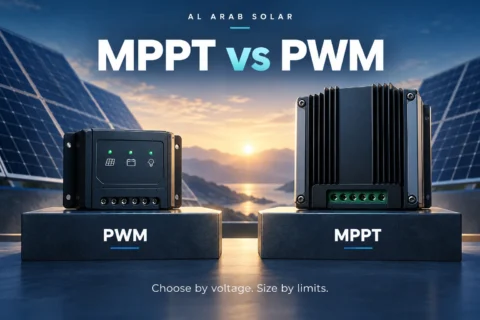
Ask about my inverter and batteryFor inverter sizing, read our solar inverter buying guide. For a separate solar charge controller, see MPPT vs PWM and check the controller’s own battery support. Browse all buying guides.